
checklists
Shopify Shipping Profile Audit Checklist
A practical checklist for reviewing Shopify shipping profiles before they leak margin. Use this checklist to inspect heavy products, free shipping rules, shipping zones, and rate logic.
SHOPIFY SETTINGS
What is a Shopify shipping profile?
A shipping profile is a set of shipping rules for specific products and locations. The main audit question is which products should not remain in the default profile.
15-point Shopify shipping profile checklist
- Are heavy products in the default profile?
- Are bulky products grouped separately?
- Are bundles charged correctly?
- Are free shipping rules applied too broadly?
- Are remote regions treated differently?
- Are domestic and cross-border rates separated?
- Are subscription orders included?
- Are product weights accurate?
- Are package sizes reviewed?
- Are shipping zones too broad?
- Are flat rates below actual cost?
- Are high-risk SKUs excluded from free shipping?
- Are carrier costs compared against charged shipping?
- Are low-margin products reviewed separately?
- Are results rechecked every 90 days?
Implementation manual preview
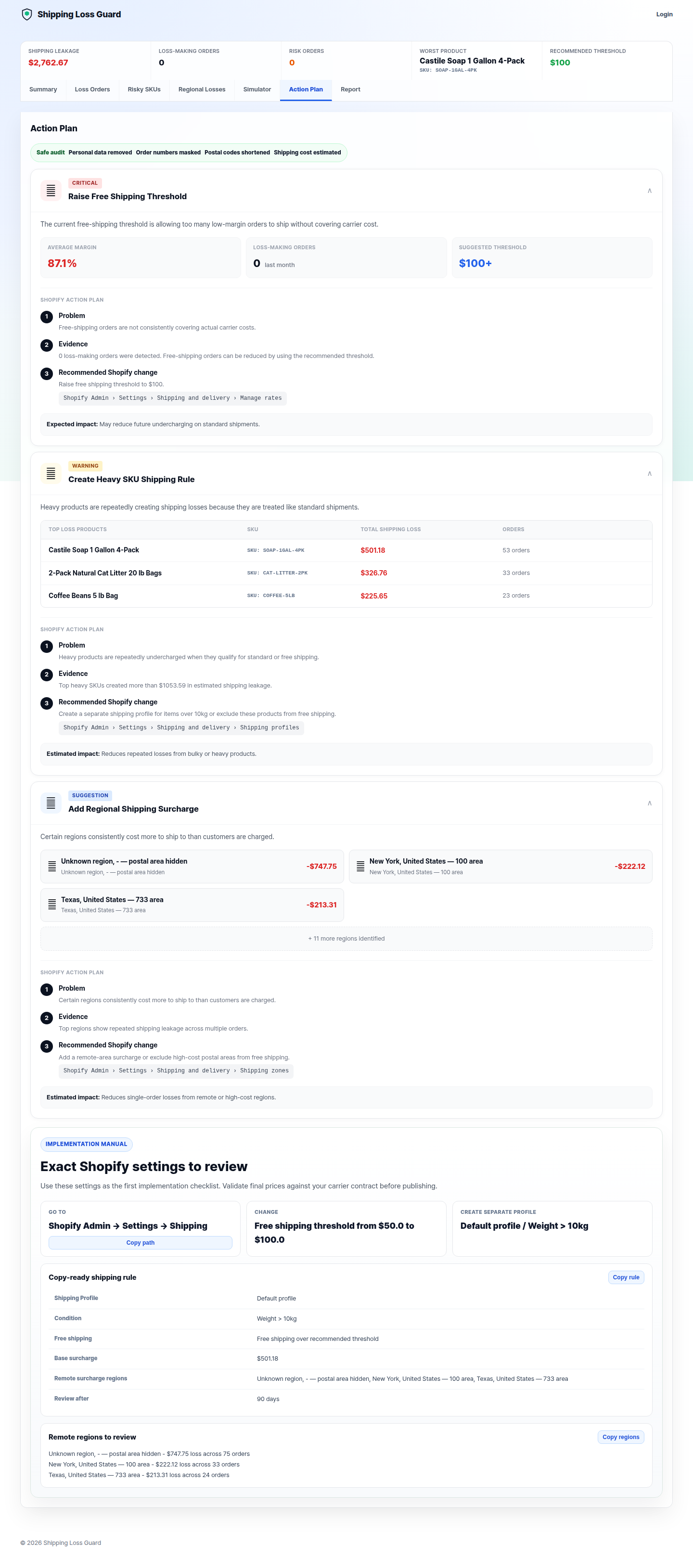
Exact Shopify settings to review
Go to: Shopify Admin → Settings → Shipping and delivery
Copy-ready shipping profile structure
Light products, standard shipping rules, free shipping over the recommended threshold.
Products over 10 lb, no broad free shipping, weight-based or surcharge-based rates.
High-cost postal areas, separate surcharge, review every 90 days.
Review your Shopify shipping profile risk
Use the free audit to find which profile changes should be reviewed first. No customer names, emails, payment details, or full addresses required.
Analyze my shipping losses — freeFAQ
Short, practical answers
How do I audit Shopify shipping profiles?
When should I create a separate shipping profile?
What products should not be in the default shipping profile?
Find out if shipping is quietly draining your Shopify profit.
Upload an anonymized CSV and see which orders, SKUs, and regions may be costing you money.
Analyze my shipping losses — free