
tools
Shopify Orders CSV Analyzer
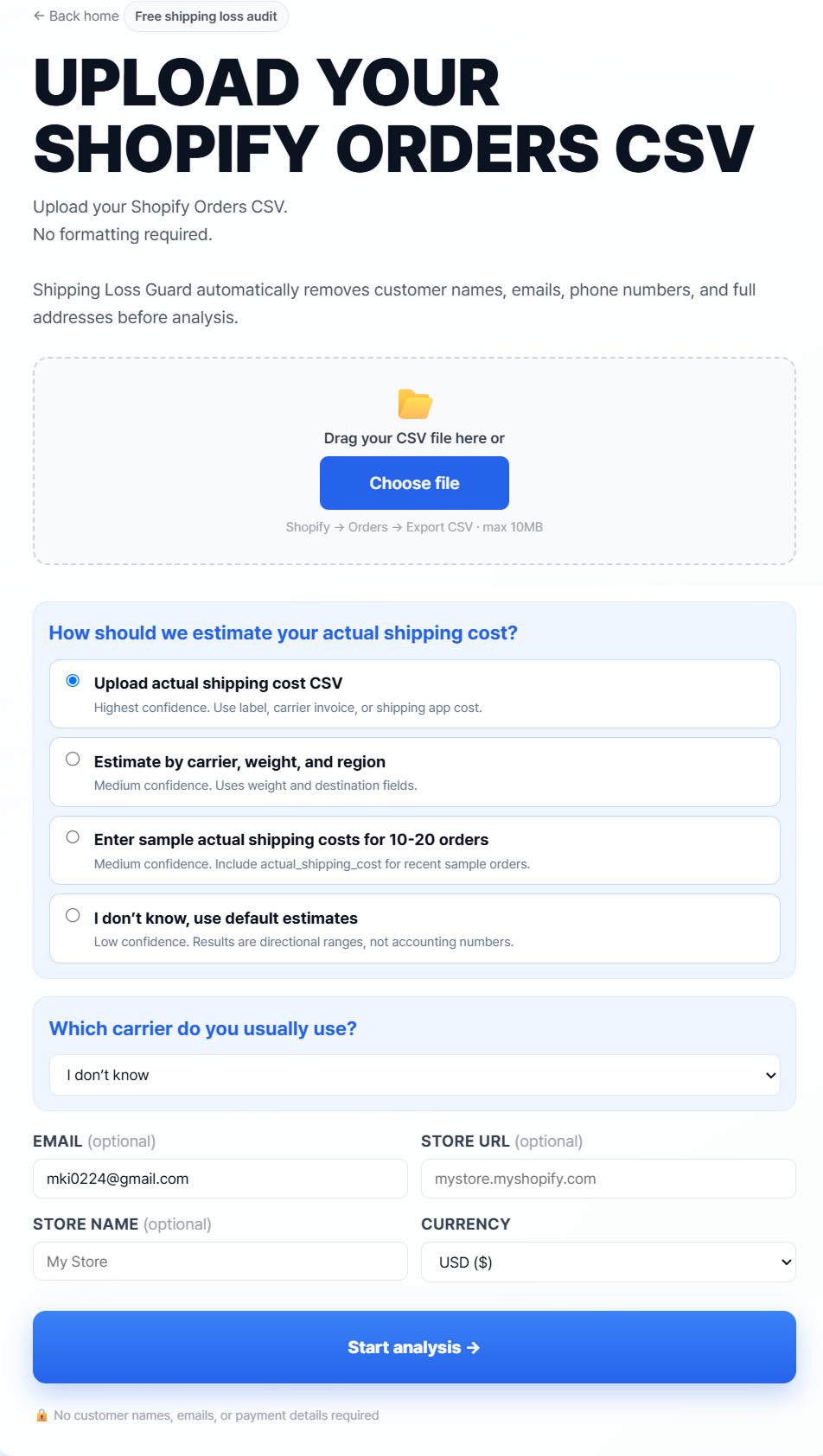
Upload your Shopify Orders CSV and turn raw order data into a shipping margin diagnosis. No formatting required. No customer names, emails, payment details, or full addresses needed.
CSV ANALYZER
What Shopify Orders CSV data can reveal
Your Orders CSV can help reveal patterns that are difficult to see order by order: free shipping orders with low margin, products that repeatedly undercharge shipping, regions that cost more to serve, thresholds that may be too low, and orders that need a shipping policy review.
Upload flow
- Export Orders CSV from Shopify
- Upload the file to MarginPatch
- Choose shipping cost estimate method
- Start analysis
- Review summary, loss orders, risky SKUs, regions, simulator, and report
CSV upload preview
Privacy-first analysis
The analyzer is designed for order-level shipping analysis, not customer profiling. Customer names, emails, phone numbers, full addresses, and payment information are not required for the audit.
What you get after upload
- Summary diagnosis
- Loss orders preview
- Risky SKU ranking
- Regional loss map
- Free shipping threshold simulator
- Shopify action plan
- Downloadable CSV and report
Best CSV columns for better accuracy
- Order ID
- Created date
- Product title
- SKU
- Quantity
- Revenue
- Shipping charged
- Destination region or postal prefix
- Product weight
- Actual shipping cost, if available
Analyze your Shopify Orders CSV
Upload your CSV and turn raw orders into a shipping margin diagnosis. No customer names, emails, payment details, or full addresses required.
Analyze my shipping losses — freeFAQ
Short, practical answers
How do I export Shopify Orders CSV?
Do I need to upload customer data?
What columns are needed for a shipping loss analysis?
Find out if shipping is quietly draining your Shopify profit.
Upload an anonymized CSV and see which orders, SKUs, and regions may be costing you money.
Analyze my shipping losses — free